01 · Jobsite
Submit from the field
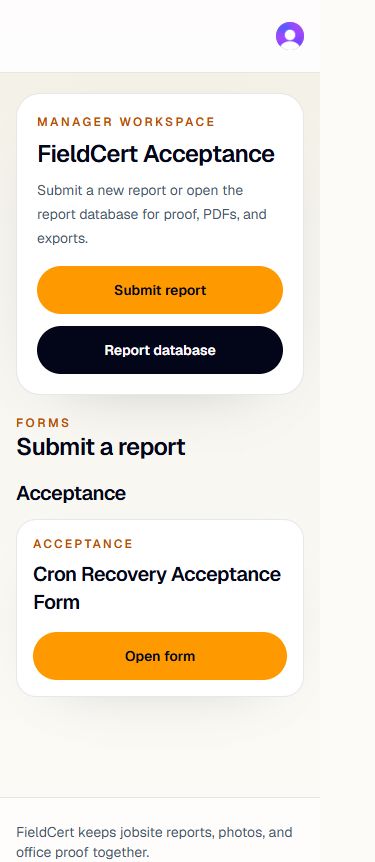
Open the company workspace on a phone, choose the report, and capture the details of the day while the work is still fresh.
 FieldCert
Daily reporting · One clear record
Give the field a clear way to submit the day. Give the office an organized record with photos, work details, PDF access, and email delivery status.
Built for refractory and industrial contractors who need the daily record to move without the daily chase.
The reporting gap
Handwritten reportsDetails arrive in different formats and are hard to use later.
Office re-entryThe same information gets typed again before it becomes a usable record.
Report chasingThe office spends time tracking down what happened instead of reviewing it.
From the jobsite to the office
FieldCert follows the report all the way through, keeping the submission, report record, and delivery status connected.
Actual product screens, cropped to show each step. Example data.
01 · Jobsite
Open the company workspace on a phone, choose the report, and capture the details of the day while the work is still fresh.
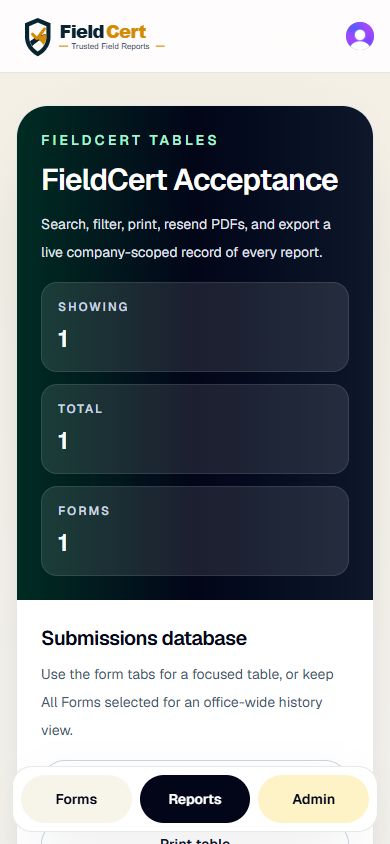
02 · Workspace
The submission joins the company reports list, where office staff can find the project, report type, submitter, and status in one place.
03 · Office
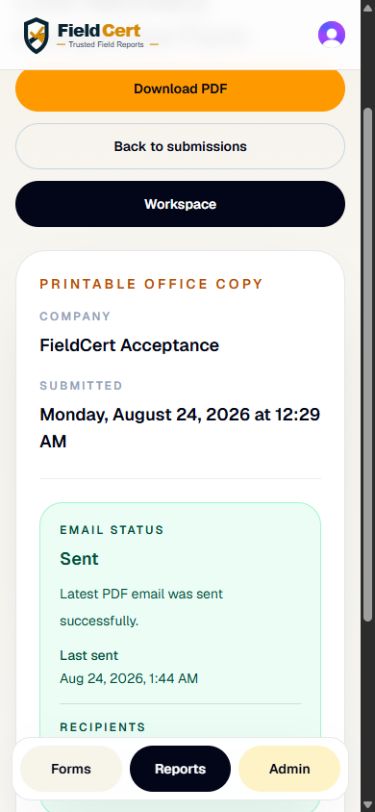
Review the completed submission, download the PDF, and keep email delivery status with the record for the next person who needs it.
The useful details
Keep the facts of the day together so the report is ready to review, find, and use.
Keep jobsite images with the report they support.
Record safety observations alongside the day’s work.
Capture materials used without a separate paper trail.
Connect who was there with what happened on site.
Download a professional report for office records.
See delivery status with the completed submission.
Find report records from the company workspace.
Export report records when the office needs a working file.
Forms built for your company
Send us your current daily report or checklist and we’ll set it up in FieldCert.
$59 /month per company
Up to 3 forms
Built for you
$79 /month per company
4+ forms
Built for you
Both plans include unlimited field users, signatures, PDF and Excel export.
We’ll discuss your needs and arrange access. Both options use the request form below.
Straight answers
No, we build them for you.
Yes. Forms can include a signature field so a field user can sign the report.
Yes. Download completed reports as PDFs and export report records to Excel.
Accounts are invite-only. Company administrators invite people into their company workspace.
Your reports stay in your company workspace. Authorized company users can review records and download PDF and Excel exports.
See the full handoff
Request a demo of the field submission, company workspace, and office record.